Chatbot vs AI Agent: Differences, Costs and When Each Is Enough
· CompaniesAutomation
A chatbot answers; an AI agent executes tasks in your systems. Differences, comparison table, prices and when the cheap option is enough.
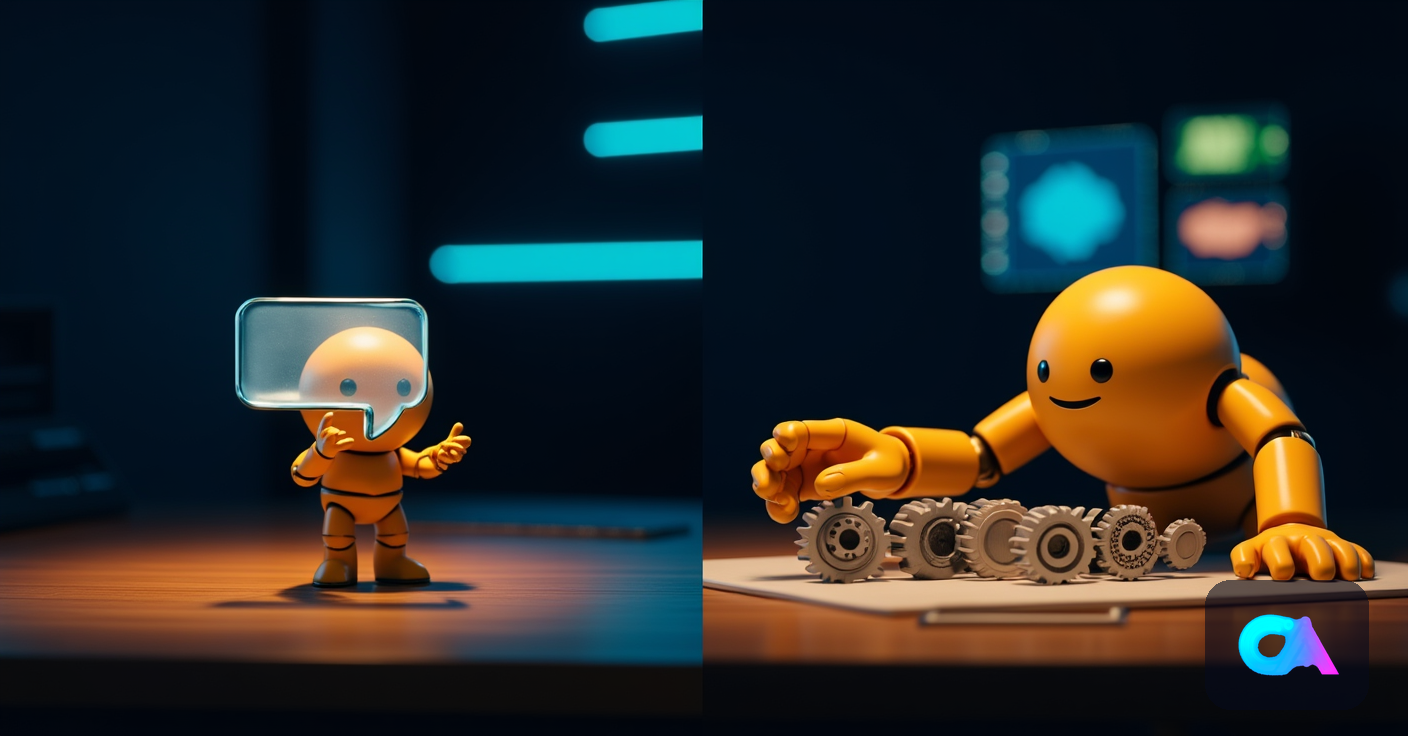
The difference between a chatbot and an AI agent comes down to one word: execution. A chatbot answers — it responds to questions, guides a conversation, hands over information — while an agent also acts: it queries your real systems, makes decisions within limits you define, and executes tasks end to end without anyone having to copy-paste the result. One talks; the other works.
The confusion is understandable, because from the outside both look identical: a chat window. Under the hood, they are two different categories of system, with different costs, different timelines and returns that are not remotely comparable. We build both for clients — and run both inside our own businesses — so this guide is about what genuinely separates them and, above all, when the cheap one is all you need.
What exactly is a chatbot?
A chatbot is a conversational system that answers user questions from a script, a knowledge base or a language model. Its universe ends at the conversation: it can explain your returns policy or your opening hours, but it cannot check the actual status of an order or issue the refund.
Three generations of chatbot coexist in the market today:
- Rule-based chatbots. Decision trees with buttons ("press 1 for billing"). Rigid and frustrating the moment a question leaves the script, but cheap and predictable.
- AI chatbots over a knowledge base. A language model that answers in natural language using your documents (FAQs, manuals, policies). This is the current standard: it understands badly phrased questions and responds naturally — but it still can't do anything.
- Form-in-disguise chatbots. They collect data conversationally (name, email, reason) and drop it in a queue for a human to act on later. Useful, but the work is still pending.
A well-built chatbot on top of your knowledge base typically resolves 40-60% of an SMB's inbound queries: the repetitive, informational, "where do I find..." kind. And for that job its price is unbeatable: a basic project starts around €1,500-3,000.
What can an AI agent do that a chatbot can't?
An AI agent perceives a situation, decides the next step and executes it in your real systems, chaining several steps until the task is closed. The conversation stops being the product and becomes just the interface: what matters happens behind it, in the CRM, the ERP, the calendar or the inbox.
A concrete case shows the gap best. A customer writes: "my order 4521 hasn't arrived".
- The chatbot replies: "We're sorry for the inconvenience. You can check your shipment status at this link or write to support@...". The task is still sitting on the table, untouched.
- The agent looks up the order in the ERP, sees the carrier has flagged it as lost for 3 days, applies your policy (automatic reshipment if the value is under €150), generates the new shipment, confirms it to the customer with the new tracking number and logs the claim with the carrier. Zero human intervention, and the case is closed and fully traced.
That capacity to act is what we unpack in our guide to what an autonomous AI agent is: perception, decision and action inside boundaries you define, with every step logged.
Comparison table: chatbot vs AI agent
| Dimension | Chatbot | AI agent |
|---|---|---|
| Core function | Answer questions | Execute complete tasks |
| System access | None, or basic read-only | CRM, ERP, email, calendar (read and write) |
| Decisions | None; follows script or answers | Decides within defined rules and thresholds |
| Multi-step work | One answer per turn | Chained flows until the task is closed |
| Typical output | Information delivered | Work done (refund, booking, record, report) |
| Typical SMB cost | €1,500-3,000 (basic) | €15,000-40,000 per project |
| Deployment time | 1-3 weeks | 4-8 weeks |
| Annual maintenance | Low (content updates) | 10-20% of project/year |
| Risk when it fails | A bad answer (annoying) | A bad action (hence limits and audit trails) |
That last row deserves a pause: precisely because the agent acts, it is designed with permissions, thresholds (say, automatic refunds only up to a set amount) and a log of every action. A chatbot that fails gives a bad answer; an agent without well-set limits can execute a bad action. Guardrail engineering is part of the price — and part of the difference.
When is a chatbot enough?
A chatbot is enough when the value lies in the information, not the action. If most of your queries are resolved by a good answer — and the follow-up work is minimal — paying for an agent is over-engineering.
Clear signs a chatbot will do:
- Your most frequent queries are informational: hours, public pricing, policies, "how do I do X".
- Volume justifies offloading people, but the underlying tasks are few or too sensitive to automate.
- You want to capture and qualify leads after hours with no ambition beyond not losing them.
- Your budget is under €3,000 and you'd rather validate before investing more.
And the signs you need an agent: every conversation ends up generating manual work (looking things up in the ERP, creating the ticket, issuing the credit, booking the slot), you have repetitive multi-step processes with real volume, or the chatbot you already run resolves the conversation while the task queue stays exactly as long. That last one is the most common situation among companies that contact us: the chatbot was the right first step, and the bottleneck simply moved one metre behind it.
The middle path: start with a chatbot, evolve into an agent
It is neither a binary nor a permanent decision. The route that works best in SMBs is incremental:
- Chatbot on your knowledge base (weeks 1-3). Resolve the informational layer, measure what your customers actually ask and where things get stuck.
- First read-only integration (weeks 4-6). The system pulls real data: order status, existing appointment, balance. Answers stop being generic.
- First scoped actions (weeks 6-10). Rescheduling appointments, issuing refunds under a threshold, creating classified tickets. Every action logged, with human review at the start.
- Full agent. Multi-step flows with intelligent escalation: the system resolves what it can and hands the rest to a person with all the context already assembled.
This route carries an advantage the table doesn't show: the chatbot's data (what gets asked, how often, what ends up with a human) is exactly the feasibility study for the agent. You design on your real traffic, not on assumptions.
And the price? What you pay in each case
A basic AI chatbot over your knowledge base starts at €1,500-3,000, deploys in 1-3 weeks, and its maintenance amounts to keeping content current. Pure-chatbot SaaS platforms run €50-300/month if you prefer renting to building. The full ranges by type — rule-based, AI over your knowledge base, or custom — are in how much a business chatbot costs.
A custom agent for an SMB lands in the €15,000-40,000 range per project depending on integrations and complexity, plus 10-20% annual maintenance covering tuning, monitoring and third-party API changes. The full breakdown — what drives cost up, what brings it down, what maintenance includes — is in our guide to how much a custom AI agent costs.
The honest comparison is not "which is cheaper" but cost against task resolved. If the chatbot deflects 50% of your informational queries, it pays for itself in months. If, on top of that, each query drags 10-20 minutes of back-office work that the agent eliminates, the equation changes by an order of magnitude: that is where €15,000-40,000 pays back within the first year, not several.
Frequently asked questions
Is a chatbot powered by GPT already an agent?
No. A powerful language model improves the conversation, but it doesn't make the system an agent: the frontier is access to your systems and the ability to execute actions. A GPT-powered chatbot is still a chatbot — a very eloquent one — if it can't touch your CRM or close a task.
Can I turn my current chatbot into an agent?
Usually yes, and it's the recommended route: you keep the interface and the knowledge base, and add integrations and actions in phases. What gets built from scratch is the decision-and-permissions layer, which a chatbot doesn't have. The chatbot's usage data also tells you which actions to automate first.
What happens if the agent executes the wrong action?
That's what the guardrails are for: amount thresholds, allowed-action lists, human review on sensitive actions during the first weeks, and a complete log of every step. In practice, deployments start with the agent proposing and a person approving, and autonomy widens only when the accuracy rate earns it.
Do I need both a chatbot and an agent?
They often end up being the same system with two layers: the conversational one (what the chatbot was) and the execution one (the agent behind it). For the user it's a single experience; for you it's two investments staggered over time.
Which one should I choose with a budget under €3,000?
A knowledge-base chatbot, without hesitation — with good conversation analytics attached. Within 2-3 months you'll know whether an agent is justified and exactly for which tasks. Starting with the agent without that data is designing blind.
If you're unsure where your case sits — or you suspect your chatbot has hit its ceiling — our AI consulting service diagnoses it on your real conversation and process data, not on a catalogue.