AI Operations Automation: The Agent as Operational Glue
· CompaniesAutomation
Planning, work orders, job reports and cross-system coordination: what an AI agent can take over in operations and the return to expect.
AI operations automation means putting agents on the coordination work that currently holds the operations department together by sheer effort: planning and replanning when things change, generating and dispatching work orders, digesting the reports that come back from the field or the shop floor, and moving information between systems that don't talk to each other. It doesn't replace the operations manager; it removes the 60-70% of their day that goes into chasing data and people.
Operations is the glue department: it connects sales with production, purchasing with the warehouse, the field with the office. And precisely because of that, it suffers the worst kind of work — the kind that appears on no org chart: copying from one system to another, calling to ask "how's that job going?", and redoing the plan every time reality drifts from it. That glue work is exactly what an AI agent does well, because an agent can read, decide the next step and execute it across several systems at once. We run our own businesses this way, and this article brings that pattern down to operations: what to automate, in what order, and what to keep human.
What operations tasks can an AI agent take over?
The ones that combine volume, known rules and multiple systems in the loop. In a typical operation — manufacturing, logistics, field services, installations — the pattern repeats across four blocks:
- Planning and replanning. Assigning jobs to people, equipment and time slots based on load, location and priority; and reassigning when someone drops out, material doesn't arrive or an urgent job lands.
- Work orders. Generating them from the order or the ticket, enriching them with what the technician needs (history, materials, access details) and sending them to the channel that team actually reads: app, WhatsApp, email.
- Job reports and closure. Receiving the report in whatever form it arrives — voice note, photo, form, message —, structuring it, logging it in the system and triggering what follows: invoicing, material replenishment, the next visit.
- Cross-system coordination. The ERP says one thing, the routing sheet another, the CRM a third. The agent keeps all three aligned and raises inconsistencies before the customer discovers them.
Why does the agent work as operational "glue"?
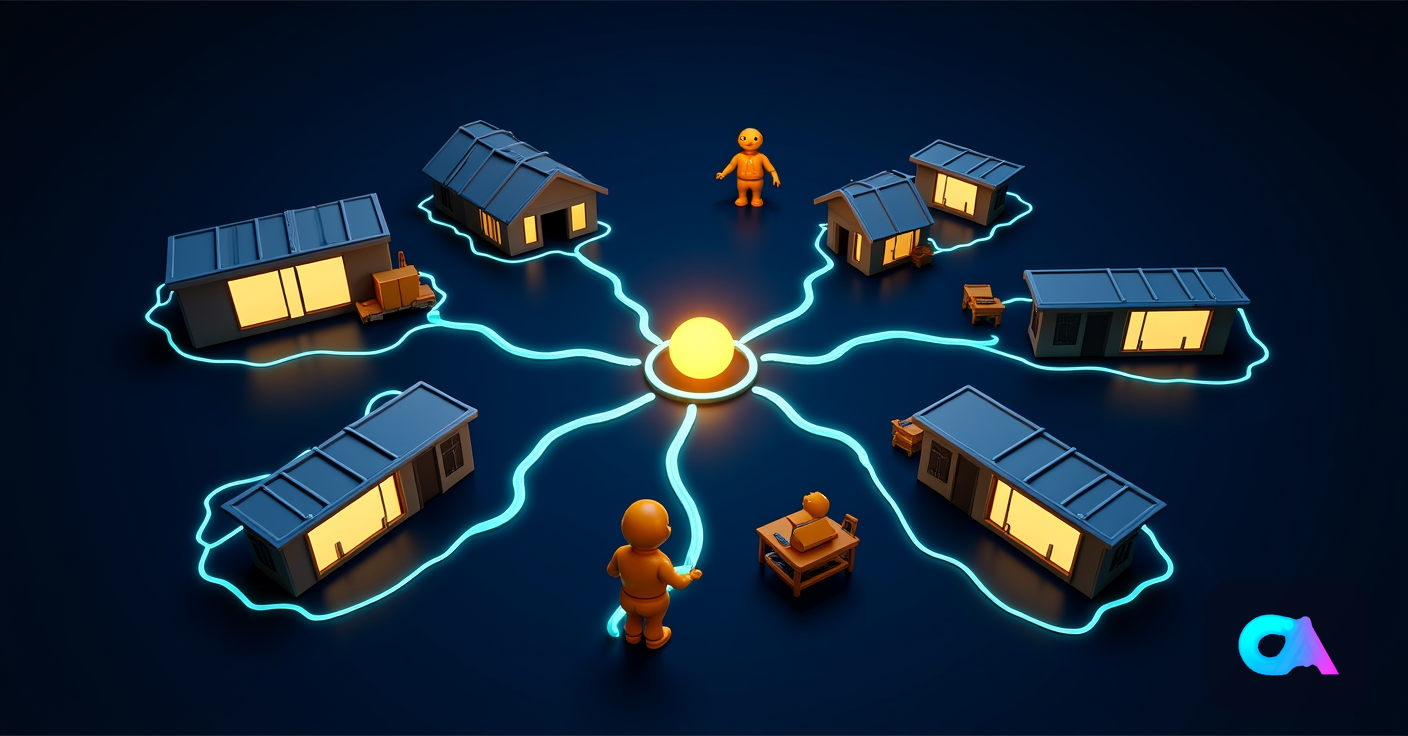
Because the core problem in operations isn't computation, it's friction between systems and people: the information exists, but it's scattered across the ERP, the planner, spreadsheets and the supervisor's head. An autonomous agent — here's exactly what that means — connects to those systems, understands context and executes the full sequence: reads the order, checks stock, generates the work order, assigns the technician, notifies the customer and logs everything.
The difference from classic automation is tolerance for mess. A traditional RPA flow breaks if the job report arrives as a WhatsApp voice note instead of a form; an agent transcribes it, extracts the data and moves on. That flexibility is what makes it possible to automate real operations, where half the information comes in through informal channels. The full comparison is in AI agent vs RPA vs automation.
There is a second-order benefit that often ends up worth more than the hours saved: when the agent operates the flow, operational data finally exists for real. Actual times per job, deviations by task type, rework rates by crew. Most SMEs manage operations by feel because capturing that data cost more than it was worth; with an agent, capture is a free by-product.
Planning: from heroic spreadsheets to continuous replanning
Automated planning is not about AI producing "the perfect plan" — it's about the cost of replanning dropping to zero. The morning plan dies at 10:30, when the first technician calls to say the job is running long, a material hasn't arrived or a customer moves the appointment. From then on, in most companies, the real plan lives in phone calls and WhatsApp.
An agent replans in seconds using the rules you define — customer priorities, technician qualifications, zones, delay penalties — and proposes the best reassignment. Routine decisions it executes alone; the ones that break a customer commitment it escalates with the context already prepared: what the options are and what each one costs. The human planner stops being a switchboard and decides only the conflicts that matter.
Work orders and job reports: the full cycle without retyping
The order-execution-report-closure cycle is the administrative heart of operations and the most rewarding to automate. The pattern that works:
- Single intake. The order, ticket or incident comes in through any channel (email, transcribed phone call, web form, EDI) and the agent turns it into a structured work order.
- Automatic enrichment. The agent attaches what the person executing needs: customer or machine history, expected materials, technical documentation, access details.
- Dispatch to the real channel. The order reaches the technician through the channel they actually use, with delivery confirmation.
- Frictionless reporting. On completion, the technician sends a voice note or photos; the agent structures the report, logs it and asks only for what's missing ("part number of the replaced component?").
- Chained closure. A logged report triggers the invoice, material replenishment or next visit, with nobody having to remember.
Step 4 is the one that changes life for field teams: the report that today gets filled in badly, late or never — blocking invoicing — becomes a 40-second voice message. Service companies that invoiced 2-3 weeks late because of pending reports move to invoicing within 24-48 hours, and that cash-flow acceleration alone justifies the project.
What does it cost and what return should you expect?
A first scoped operations agent — for example, the complete order-and-report cycle for one job type — sits in the €3,000-15,000 range of a typical SME project, with 4-8 weeks of deployment and 10-20% annual maintenance. Dynamic planning with complex rules or integration with closed ERPs can push the range up.
The return comes from four measurable lines: administrative hours freed (the coordinator who retyped data), accelerated invoicing (reports closed in hours, not weeks), fewer schedule gaps and wasted trips (better replanning) and fewer coordination errors (the order that never got assigned). In operations with 5-30 people in the field or on the floor, the combined effect usually exceeds the project cost clearly within the first year — and the way to prove it is to measure the baseline before you start.
What NOT to automate in operations
- Customer commitments. Promising a new date when something slips is a commercial decision; the agent prepares the options, a person owns the conversation.
- Negotiation with suppliers and subcontractors. The agent detects the supply problem and prepares the data; the call is made by whoever owns the relationship.
- Capacity decisions. Hiring, buying a machine, opening a shift: investment decisions made with the agent's data, not by the agent.
- Workplace safety. Automated checklists and alerts, yes; the responsibility to stop unsafe work is human and non-delegable.
Where to start
The rule we apply: start with the flow that hurts most and repeats most often, not the flashiest one. In operations that is almost always the order-and-report cycle, because it touches cash (invoicing) and touches the whole team. Measure two weeks of baseline — orders handled, report-closure time, coordination hours —, deploy on a single job type and compare at week 6. The full prioritization method is in our 90-day roadmap to implement AI in your company.
And if you'd rather walk it with support, that diagnosis — which processes, what order, what return to expect — is the first phase of every project at our artificial intelligence agency in Madrid.
Frequently asked questions
Do we need to change our ERP or planning software?
No: the agent sits on top of what you already have and works with your systems the way a human operator would — through APIs where they exist, through the screens where they don't. If your "system" is a spreadsheet, the first phase of the project is usually giving it minimal structure, not buying a new ERP.
Does it work if our field team doesn't use apps?
That's exactly where it works best: the agent talks over WhatsApp, accepts voice notes and photos, and structures the information itself. Resistance to reporting apps comes from forcing technicians to do administrative work; the agent flips the burden and does that work for them.
How long until we see results?
The first effects — reports closed in hours, orders that don't need chasing — show within the first 2 weeks in production. Business metrics (invoicing speed, coordination hours, schedule gaps) need 6-8 weeks of data against the baseline to be read seriously.
What happens when the agent hits a case it can't resolve?
It escalates to a person with full context: what came in, what it tried, what options it sees. A good deployment starts with conservative thresholds — the agent asks a lot — and earns autonomy as it demonstrates accuracy, with every action logged for audit.
Is this for 10-person companies or only larger ones?
The typical project we describe is sized for SMEs of 10-100 employees; below 10, the reduced version (an order-and-report agent over WhatsApp and your invoicing tool) still pays off if there's daily job volume. What never pays off, at any size, is automating a chaotic process without ordering it first: criteria first, agent second.